DuckDB on Apache Iceberg: Why It Is Fast, Where It Shines, and Where It Does Not
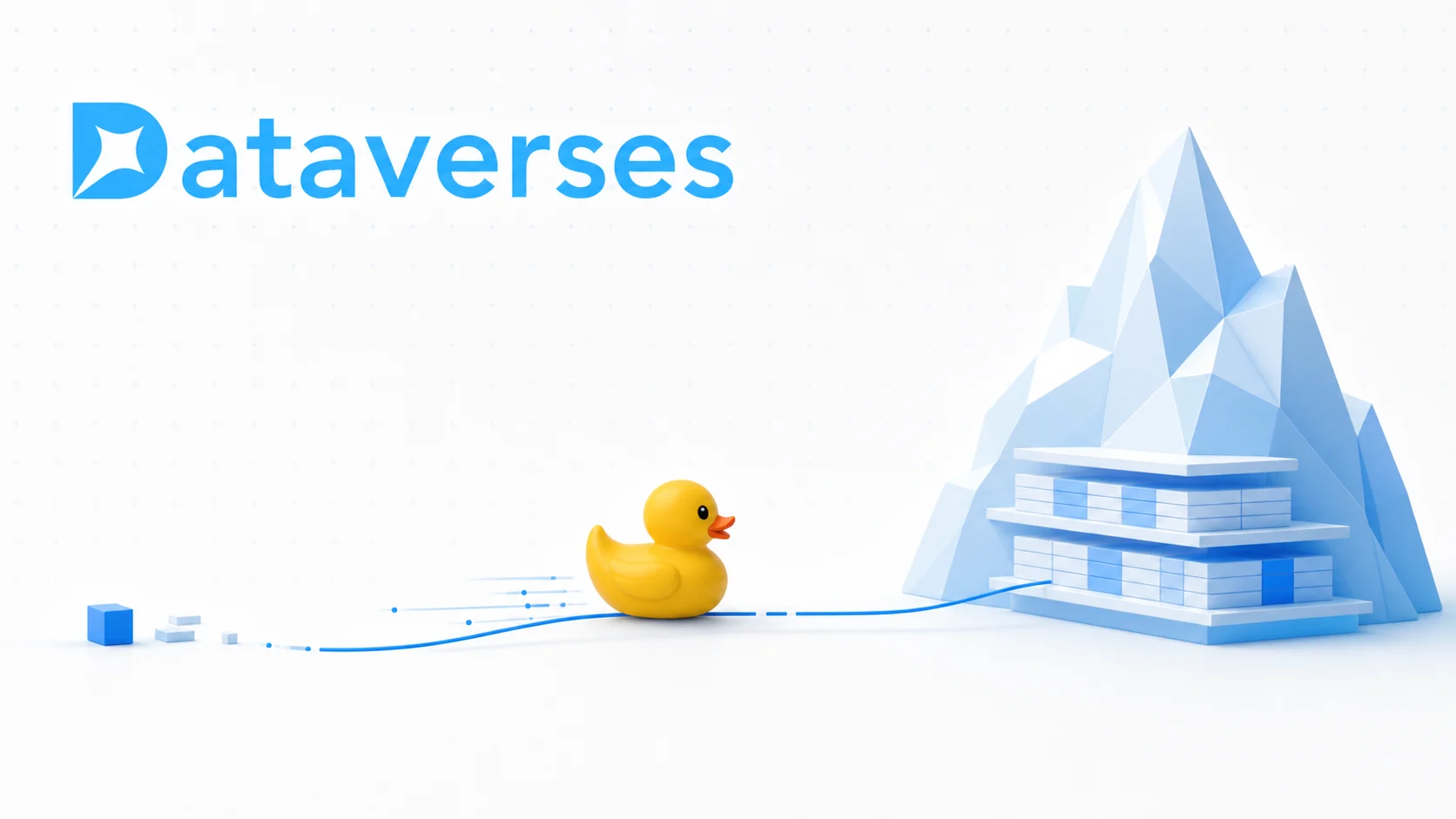
DuckDB on Apache Iceberg: Why It Is Fast, Where It Shines, and Where It Does Not
Fast analytics is not only about adding more machines. It is often about doing less work: opening fewer files, reading fewer columns, moving fewer bytes, and spending fewer CPU cycles on every value. That is exactly where DuckDB and Apache Iceberg fit together.
Modern lakehouses solved one major problem by separating storage from compute. Data can live cheaply in object storage, while open table formats such as Apache Iceberg add snapshots, schema evolution, partitioning, and transactional metadata.
But separation creates a new performance question: how quickly can a query engine turn a SQL request into the smallest possible set of reads from that storage?
At Dataverses, DuckDB is one of the engines we use under the hood to read Iceberg tables. It is not the right engine for every job, and that is precisely why it is useful. For interactive analytical workloads on well-organized tables, DuckDB offers an unusually direct path from Iceberg metadata to a result.
This article explains why that path is fast, the use cases where it is robust, the cases where another architecture is a better fit, and a small tutorial for testing it yourself.
What Actually Happens When DuckDB Reads an Iceberg Table?
An Iceberg table is not a single file. It is a hierarchy:
- Table metadata identifies the current snapshot and schema.
- Snapshot and manifest metadata describe which data files belong to that state of the table.
- Partition values and column statistics describe what those files may contain.
- Parquet files store the actual columnar data.
DuckDB's native Iceberg extension reads this hierarchy and produces a scan plan. With a selective query, that plan can discard unrelated files using Iceberg metadata, skip unrelated row groups using Parquet statistics, and read only the referenced columns. DuckDB describes this as file-level and row-group-level pruning in its lakehouse format documentation.
Consider this query:
SELECT
    region,
    sum(net_revenue) AS revenue
FROM lakehouse.sales.orders
WHERE order_date >= DATE '2026-07-01'
  AND order_date <  DATE '2026-08-01'
GROUP BY region;
A good plan should not download every column from every file. It should use Iceberg metadata to narrow the candidate files, ask the Parquet reader for only region, net_revenue, and order_date, skip row groups whose statistics cannot match the date filter, and aggregate the surviving vectors in parallel.
The fastest byte is the byte you never read.
Why DuckDB Is So Fast
1. It Is an Analytical Engine, Not a Transactional Engine in Disguise
DuckDB is designed for online analytical processing: scans, filters, joins, aggregations, sorts, and window functions over meaningful amounts of data. Its execution model is built around reducing the CPU overhead per value rather than optimizing for one-row transactions.
The engine processes columns in vectors instead of interpreting one row at a time. DuckDB's standard execution vector is commonly 2,048 values, so an operator can apply the same work to a batch with tight loops and CPU-friendly memory access. This is described as a push-based, vectorized execution model. (For a more technical deep dive, watch this video.)
That difference matters for queries such as SUM, GROUP BY, and large joins. Less time is spent repeatedly dispatching row-by-row operations; more time is spent doing useful analytical work.
2. It Is Columnar from Storage to Execution
Iceberg commonly points to Parquet data files, and Parquet stores data by column. DuckDB's execution engine is also column-oriented. This is a natural match.
If a table has 80 columns but a dashboard query needs four, projection pushdown allows DuckDB to read those four instead of materializing the entire row. Filter pushdown can use Parquet zonemaps to avoid row groups that cannot satisfy a predicate. Both optimizations are automatic in DuckDB's Parquet reader.
This is why SELECT * is not harmless against remote lakehouse data. Asking for fewer columns is not merely cleaner SQL; it can substantially reduce object-store traffic and decompression work.
3. Iceberg Metadata Lets It Skip Whole Files
Parquet statistics help once a data file is under consideration. Iceberg adds another pruning layer before that point.
Manifests can expose partition values, lower and upper bounds, null counts, and other metrics for data files. A native Iceberg reader can carry a SQL filter through the table metadata and remove files that cannot match. DuckDB's current extension also exposes metadata inspection functions such as iceberg_metadata, iceberg_column_stats, and iceberg_partition_stats, documented in the Iceberg function reference.
The practical result is a pruning pipeline:
flowchart LR
    A[Iceberg Snapshot] --> B[Candidate Manifests]
    B --> C[Candidate Parquet Files]
    C --> D[Candidate Row Groups]
    D --> E[Required Columns]
    E --> F[Matching Rows]
Every successful pruning step saves network, CPU, and memory downstream.
4. It Uses the Cores Already Available
DuckDB parallelizes analytical work within a query. Scans can be divided across Parquet row groups, and operators such as filters and aggregations can run across multiple CPU threads.
This avoids the scheduling and data-exchange overhead of a distributed cluster for jobs that already fit comfortably on one machine. There is no executor fleet to start before the first useful byte is processed.
Parallelism is still bounded by the physical layout. One huge row group cannot keep many threads busy, while thousands of tiny remote files create a different kind of overhead. File and row-group sizing remain part of query performance, no matter how efficient the engine is.
5. It Can Run In-Process
DuckDB can be embedded directly inside a host application. In that mode, the application and query engine share a process, removing a separate database-server hop and making data interchange inexpensive. The project's Why DuckDB guide calls out high-speed transfer and, for some integrations, zero-copy access.
For notebooks, data applications, local development, and service-side analytics, this is a powerful operational property: the engine can be placed close to the user or workload instead of forcing every interaction through a remote warehouse.
6. Larger-Than-Memory Does Not Automatically Mean Failure
DuckDB supports out-of-core execution and can spill intermediate state to disk. Grouping, joining, sorting, and windowing can all operate on data larger than available memory, provided suitable temporary storage is available.
That makes the engine more resilient than the phrase "in-process database" might suggest. It does not mean memory is irrelevant, however. Multiple blocking operators and some holistic aggregates can still exhaust memory; DuckDB documents those boundaries in its workload tuning guide.
Where DuckDB + Iceberg Is a Robust Choice

Interactive Dashboards and Exploratory SQL
Filtered aggregations over recent dates, selected tenants, product categories, or regions are an excellent fit when the table layout supports pruning. DuckDB starts quickly, uses multiple local cores, and returns a compact result without requiring a standing cluster.
Embedded Analytics in a Data Product
An application that needs to calculate a chart, preview a dataset, profile a table, or answer a user-driven analytical question can embed DuckDB close to the request path. This reduces infrastructure complexity and avoids moving a large intermediate dataset through another service.
Ad Hoc Investigation and Data Quality Checks
Analysts and engineers frequently need to inspect one snapshot, compare time periods, find null spikes, or validate an ingestion job. Iceberg provides a consistent table state; DuckDB provides rich SQL with very little setup. DuckDB supports both path-based read-only scans and catalog-managed tables, including time travel, through its current Iceberg extension.
Selective Analytics over Large Tables
A table may be large while an individual question is small. If Iceberg partitions and file statistics narrow a query to a modest subset, a single-node engine can be the most efficient tool in the architecture. Total table size alone does not decide the engine; the working set after pruning often does.
Local Transformation and Prototyping
DuckDB is excellent for developing SQL locally against representative Iceberg data before promoting a workflow to a distributed engine. It also supports writes through an attached Iceberg REST catalog, including inserts, updates, deletes, schema evolution, and MERGE INTO in current releases. Path-based iceberg_scan, by contrast, remains read-only.
Where It Is Not the Best Fit
High-Concurrency, Tiny Request Workloads
DuckDB is optimized for larger, less frequent analytical queries—not a flood of tiny point lookups from thousands of concurrent clients. A transactional database, a serving index, caching, or a deliberately managed query service may be more appropriate for that access pattern.
Workloads That Require Distributed Compute
DuckDB can use many cores on one machine, but a local embedded instance is not a distributed query cluster. If a query must repeatedly scan and shuffle working sets beyond the practical CPU, memory, disk, or network capacity of one node, engines such as Spark or a distributed warehouse have a clearer scale-out story.
Poorly Maintained Iceberg Tables
DuckDB cannot optimize away a bad physical layout. Millions of tiny files, bloated manifests, weak clustering, missing statistics, or partitions unrelated to real filters can make planning and object-store access dominate execution.
This is especially painful remotely. DuckDB uses synchronous I/O per thread for remote files, so a plan that requires many small requests can become latency-bound. Compaction, snapshot expiration, manifest rewriting, and a partition strategy based on actual query patterns remain essential.
Full Scans over Remote Object Storage
If a query truly needs every row and most columns, there is little to prune. Performance then approaches the limits of object-store throughput, decompression bandwidth, and the local machine. DuckDB will execute efficiently, but it cannot make a network full scan free.
Memory-Intensive Queries with Difficult Intermediate State
Out-of-core execution is a safety net, not a promise that every query can run in any memory budget. Several blocking operators in one plan, huge join cardinalities, list() or string_agg() over massive groups, and similar patterns can still run out of memory or spill heavily enough to miss an interactive latency target.
Features That Depend on a Specific Extension Version
DuckDB's Iceberg support is evolving quickly. Recent versions added MERGE INTO, schema evolution, partition transforms, and more Iceberg v3 support, but edge types and write behaviors still have documented limits. The Iceberg extension is also listed as a secondary, best-effort-supported core extension. Production platforms should pin and test versions, update extensions deliberately, and validate the exact catalog, storage backend, table format version, delete representation, and data types they use.
A Five-Minute DuckDB + Iceberg Test
The following test uses the sample Iceberg table published with DuckDB's documentation. Install the DuckDB CLI, then download and unpack the sample:
curl -L https://duckdb.org/data/iceberg_data.zip -o iceberg_data.zip
unzip -q iceberg_data.zip
duckdb
Inside DuckDB, load the extension and verify the table:
INSTALL iceberg;
UPDATE EXTENSIONS;
LOAD iceberg;

.timer on

SELECT count(*)
FROM iceberg_scan(
    'data/iceberg/lineitem_iceberg',
    allow_moved_paths = true
);
Now run a filtered aggregation and inspect its physical execution:
EXPLAIN ANALYZE
SELECT
    l_returnflag,
    l_linestatus,
    count(*) AS line_count,
    round(sum(l_extendedprice * (1 - l_discount)), 2) AS revenue
FROM iceberg_scan(
    'data/iceberg/lineitem_iceberg',
    allow_moved_paths = true
)
WHERE l_shipdate >= DATE '1996-01-01'
  AND l_shipdate <  DATE '1997-01-01'
GROUP BY l_returnflag, l_linestatus
ORDER BY l_returnflag, l_linestatus;
Finally, inspect the table rather than treating it as a black box:
-- Which data files are active in the snapshot?
SELECT status, file_path, record_count
FROM iceberg_metadata(
    'data/iceberg/lineitem_iceberg',
    allow_moved_paths = true
);

-- Which snapshots are available?
SELECT snapshot_id, timestamp_ms, manifest_list
FROM iceberg_snapshots(
    'data/iceberg/lineitem_iceberg'
);
The Practical Decision Rule
Use DuckDB when a query can become small through metadata pruning, needs analytical SQL, and can be executed efficiently on one well-sized machine. Use a distributed engine when the working set remains genuinely distributed or the concurrency model demands it. Use an operational database when the workload is transactional.
The best data platform does not force every problem through one engine. It routes a workload to the engine whose architecture matches the job.
Experience Fast, Reliable Analytics with Dataverses
DuckDB is fast, but production analytics requires more than a fast execution loop. Tables need to be compacted. Snapshots and manifests need maintenance. Credentials, catalogs, caching, concurrency, observability, and workload routing all need to work together.
Dataverses brings those pieces into one managed data platform. Under the hood, we use engines such as DuckDB where they fit best, while Apache Iceberg keeps your data open and interoperable. The result is fast, reliable analytics without asking every analyst to become a query-engine operator.
Ready to feel the difference?
Tags
Keep up with us
Get the latest updates on data engineering and AI delivered to your inbox.
Contents in this story
Recommended for you

Beyond the Google Analytics Dashboard: Real-Time Analytics and AI on Your Customer Data
Aug 25, 2026 · 13 min read

SME vs. Enterprise Data Architecture: Why You May Not Need Databricks to Build a Great Lakehouse
Aug 24, 2026 · 11 min read
Announcing Apache Spark 4.2.0: Geospatial Intelligence, First-Class CDC, DSv2 Transactions, and Arrow-Powered PySpark
Jul 27, 2026 · 6 min read