Start from any Connect report
Import charts, tables, and narrative from an existing report, then rearrange them into the story your audience needs.
DATAVERSES CONNECT
Design Canvas turns trusted Connect reports into polished, multi-page documents — built with blocks, components, and AI, then exported in presentation quality.
From importing live report content to final export — one visual workspace for business storytelling.
Import charts, tables, and narrative from an existing report, then rearrange them into the story your audience needs.
Compose with document blocks, business widgets, and visual icons — so layouts feel intentional, not improvised.
Export crisp PDF or PNG output when the design is ready — ideal for leadership reviews, partners, and archives.
Describe the page you need in plain language. AI drafts a professional layout so you start editing, not designing from zero.
Edit text inline, restyle blocks, and control page backgrounds — a full design workspace for multi-page reports.
Design Canvas keeps content tied to Connect data while giving teams the layout control of a modern design tool.
01
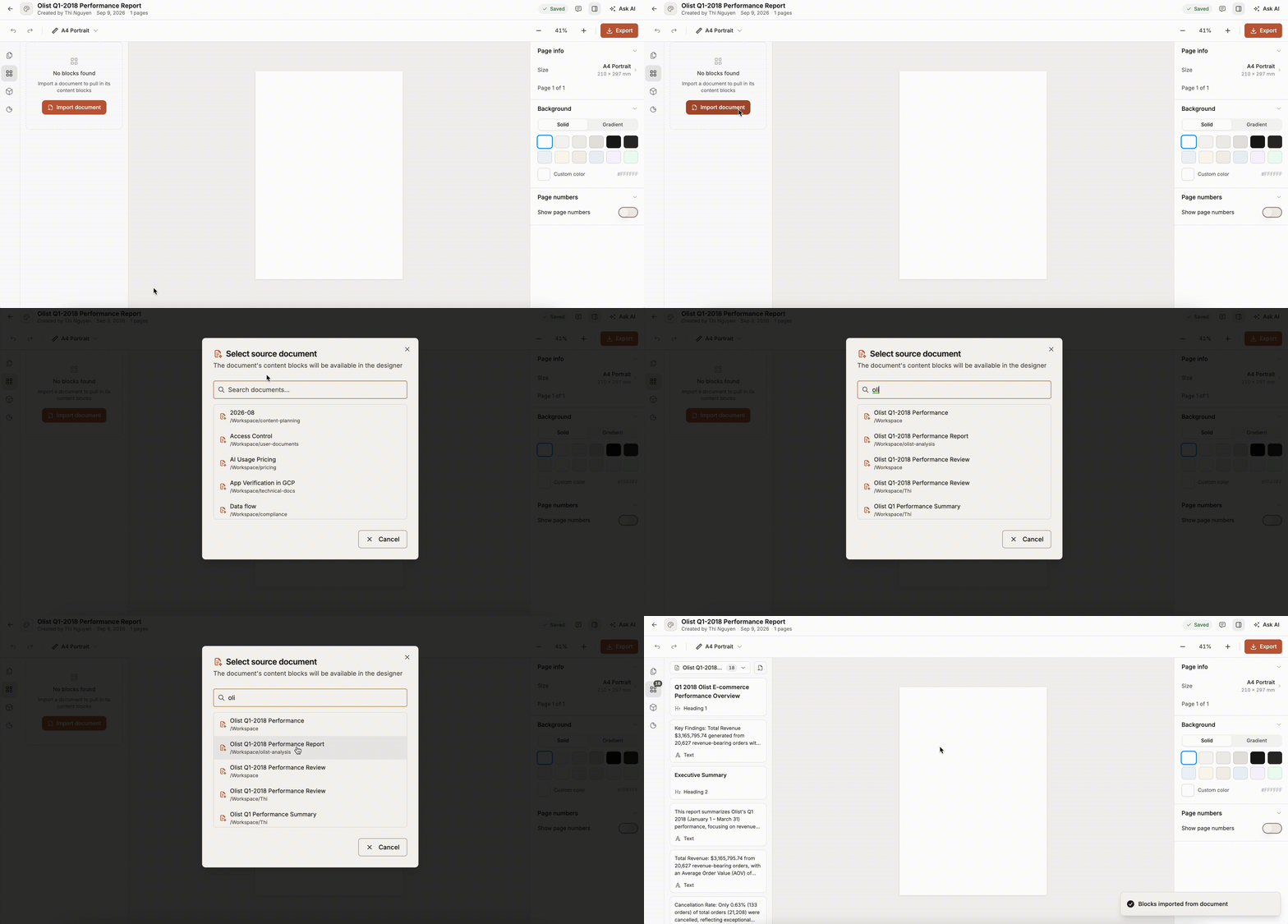
Turn an existing Connect report into reusable canvas content — then design without rebuilding every chart from scratch.
02
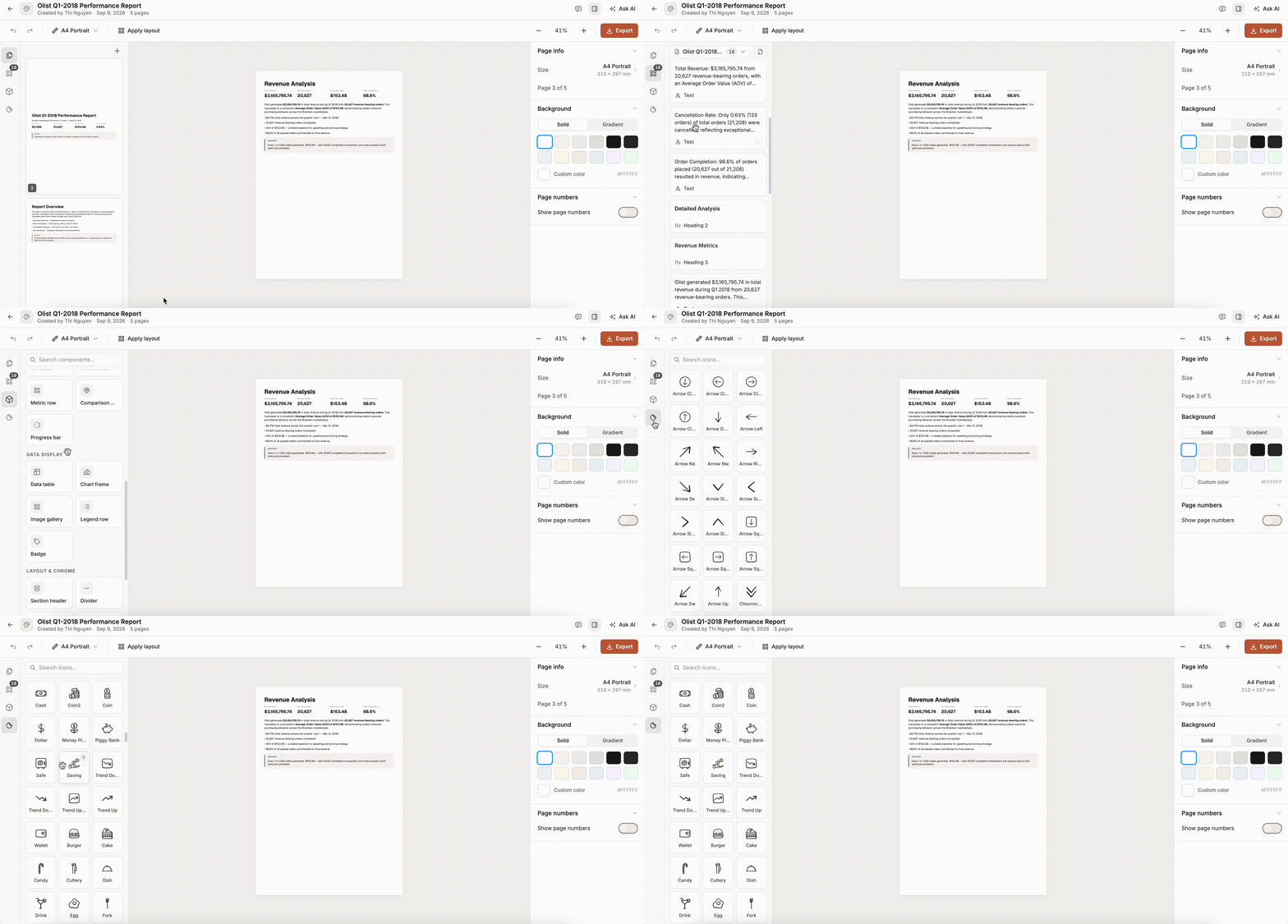
Assemble multi-page reports from a rich library of content blocks, layout components, and visual assets — then arrange them into a clear narrative.
03
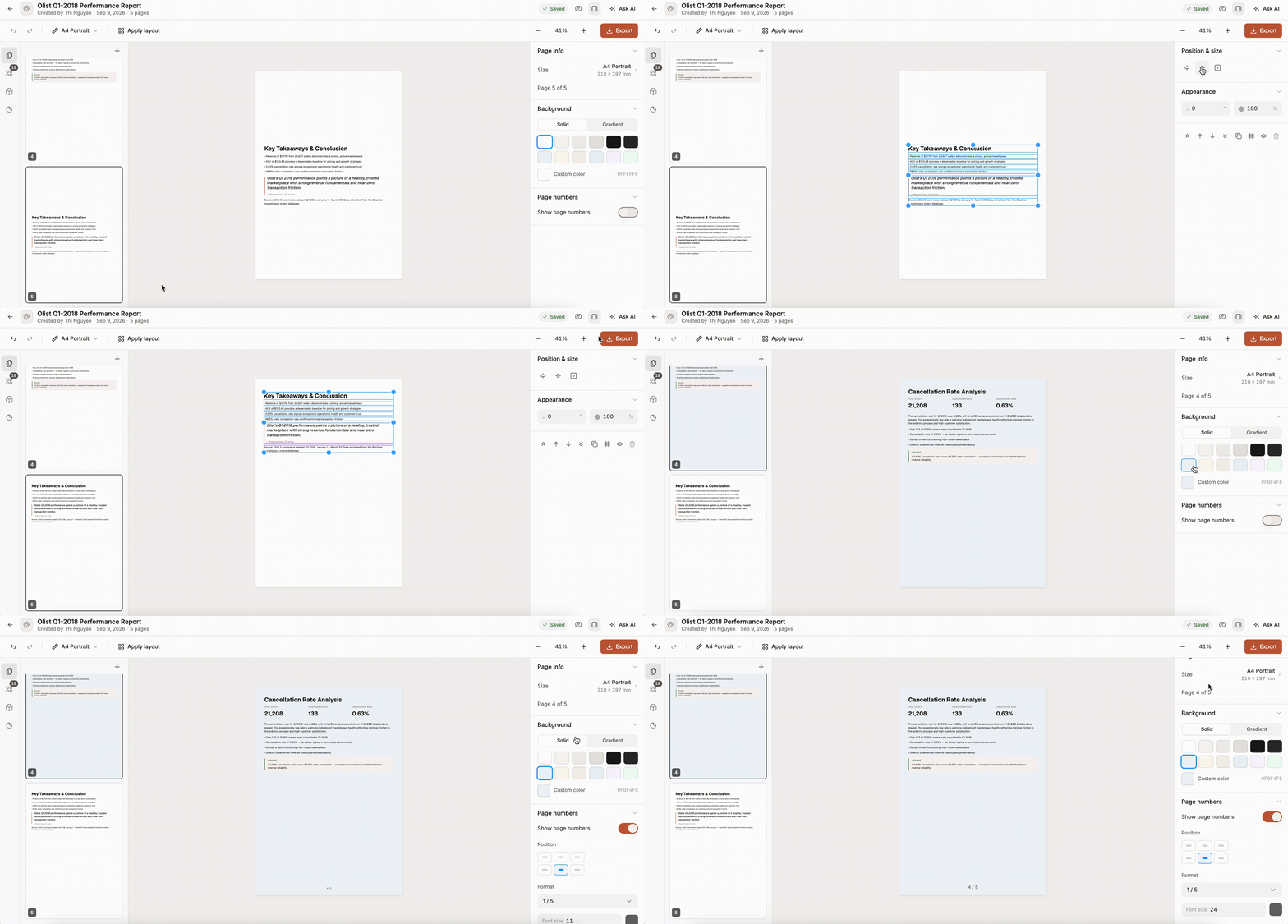
Click into any block to edit text, format styles, and tune page properties — with the precision of a design tool and the familiarity of a document.
04
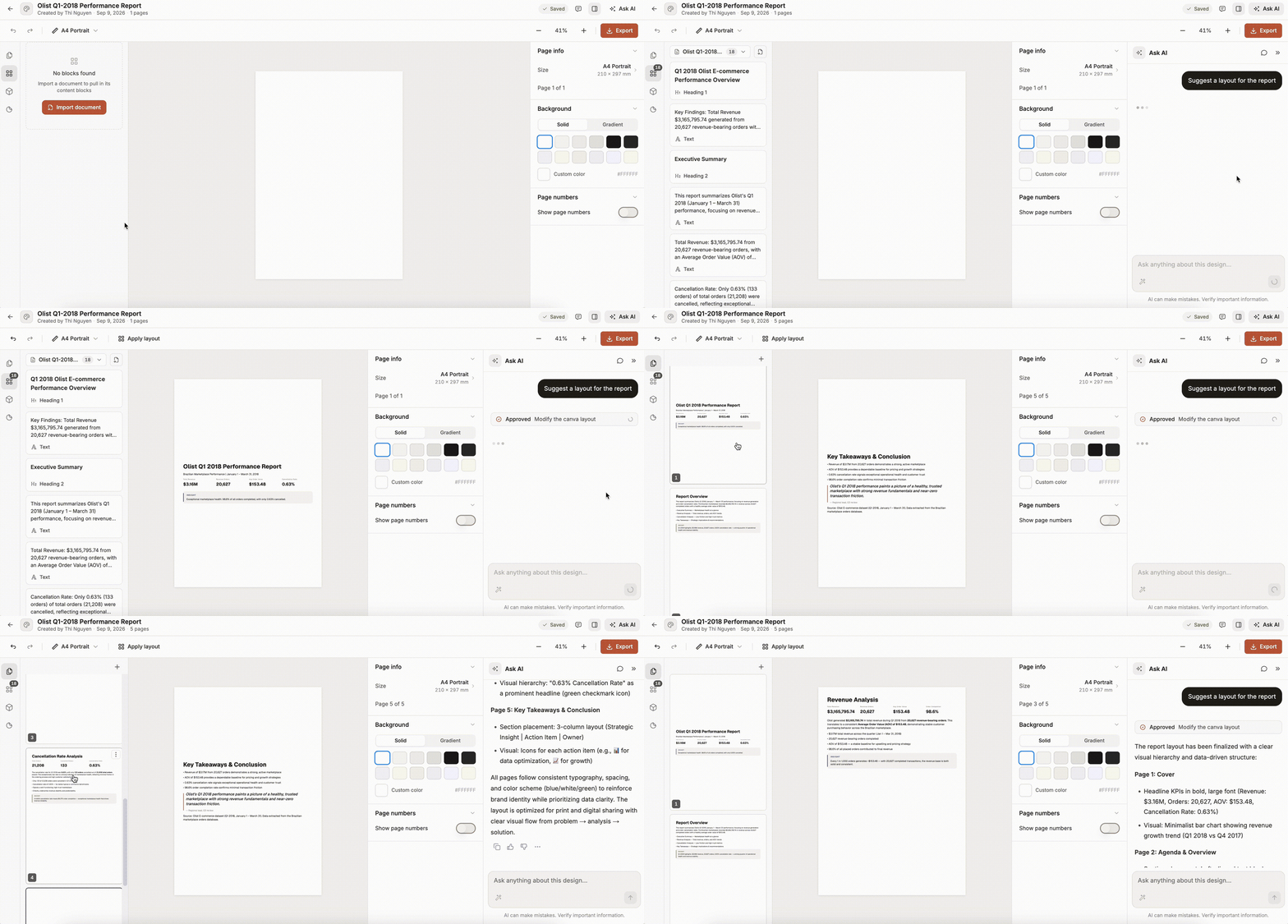
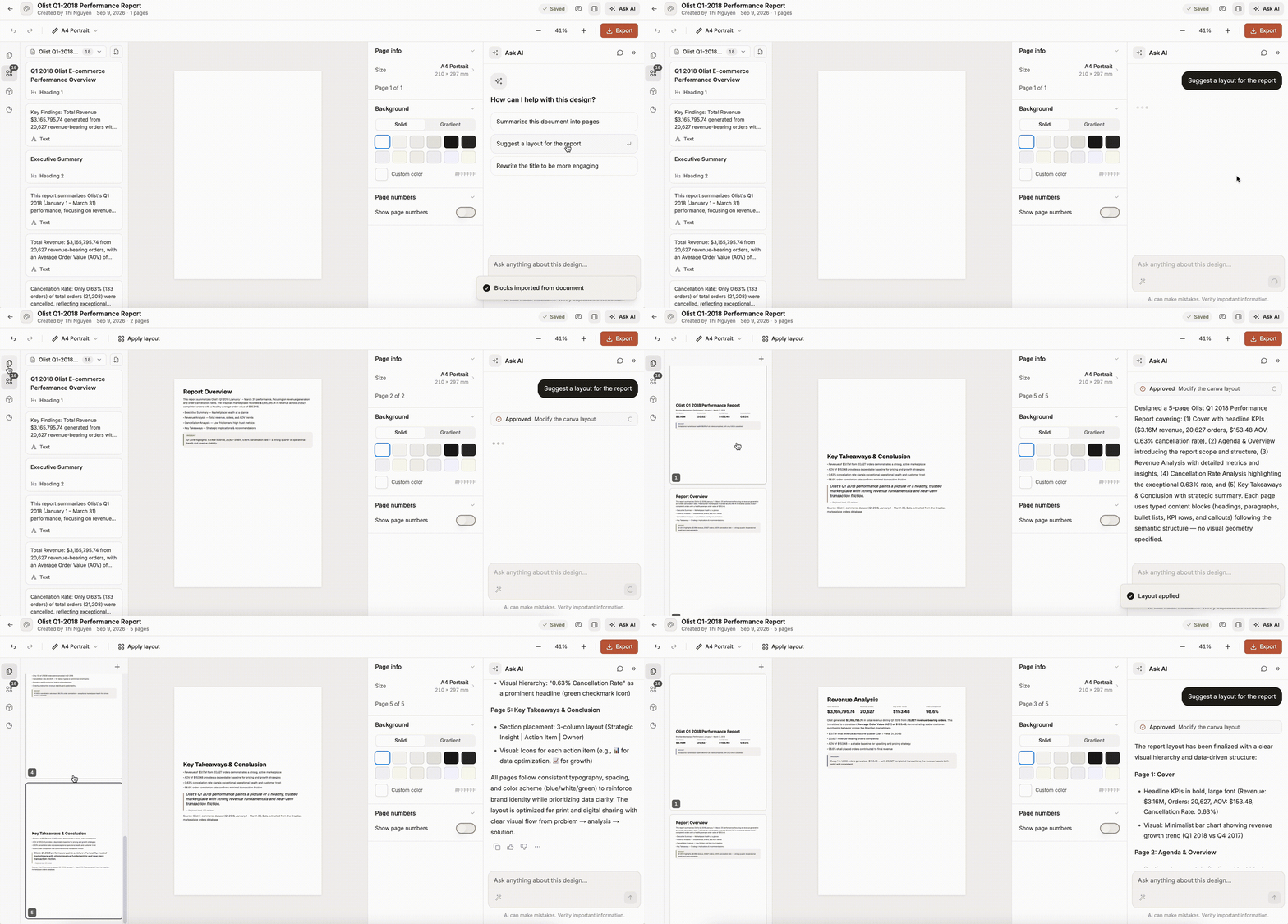
With blocks already imported, Ask AI can suggest a full page layout in one click — turning raw content into a polished report structure you can refine.
05
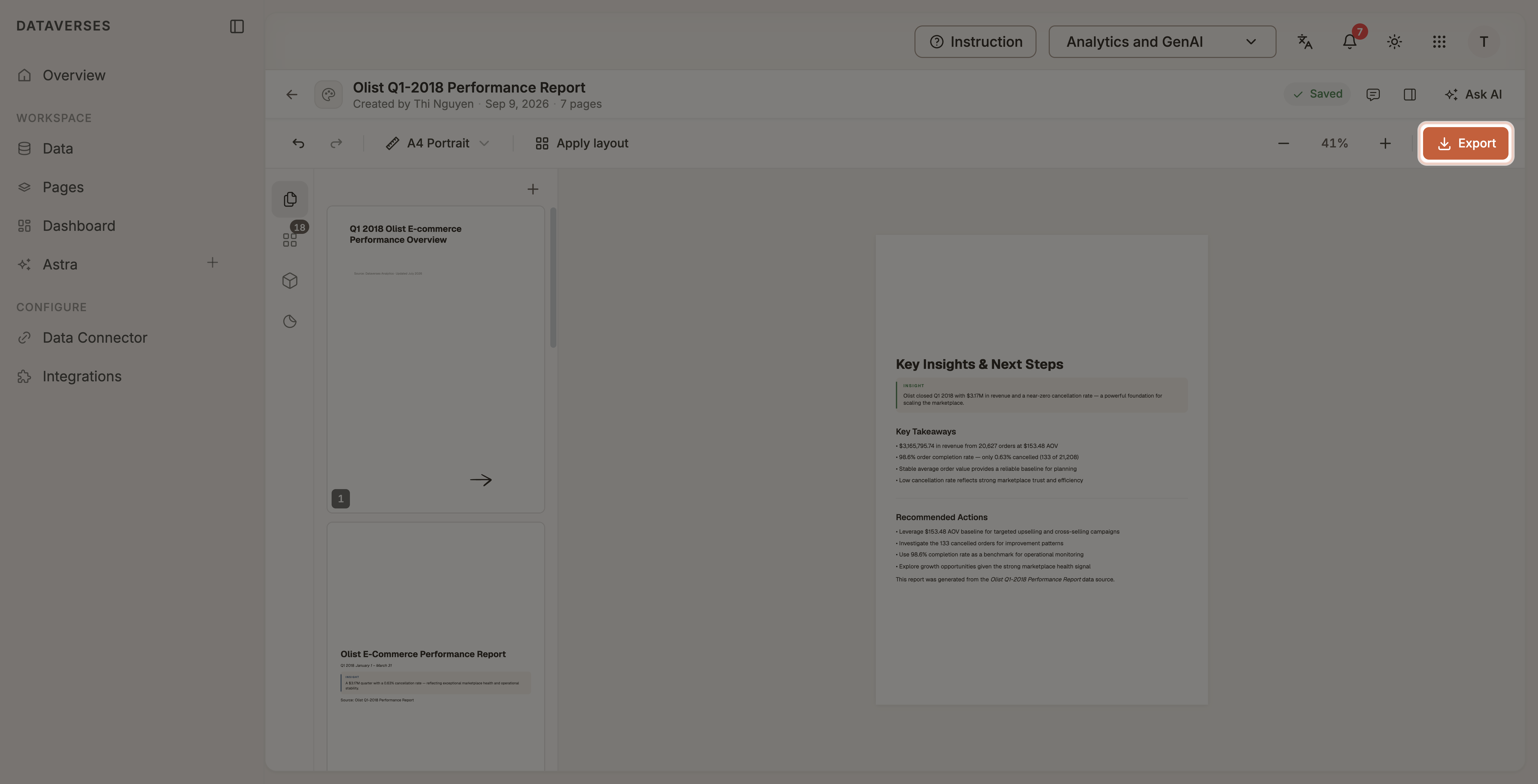
When the story is ready, export a clean PDF or PNG — and keep version snapshots for major iterations.
Designing and exporting with Design Canvas.
Yes. Import Document Content from a Connect report to pull charts, tables, and text into the canvas library, then place them on your pages.
You can combine document blocks, business widgets (KPIs, tables, callouts, layouts), and icons — then refine everything in the page inspector.
Yes. Ask AI can suggest a full page layout from imported report blocks — for example “Suggest a layout for the report” — then you refine the result on the canvas.
You can export high-quality PDF or PNG. You can also save version snapshots when the canvas is stored on the server.