Product Tour Center
Interactive walkthroughs of the Dataverses platform. Click a tour to get started.
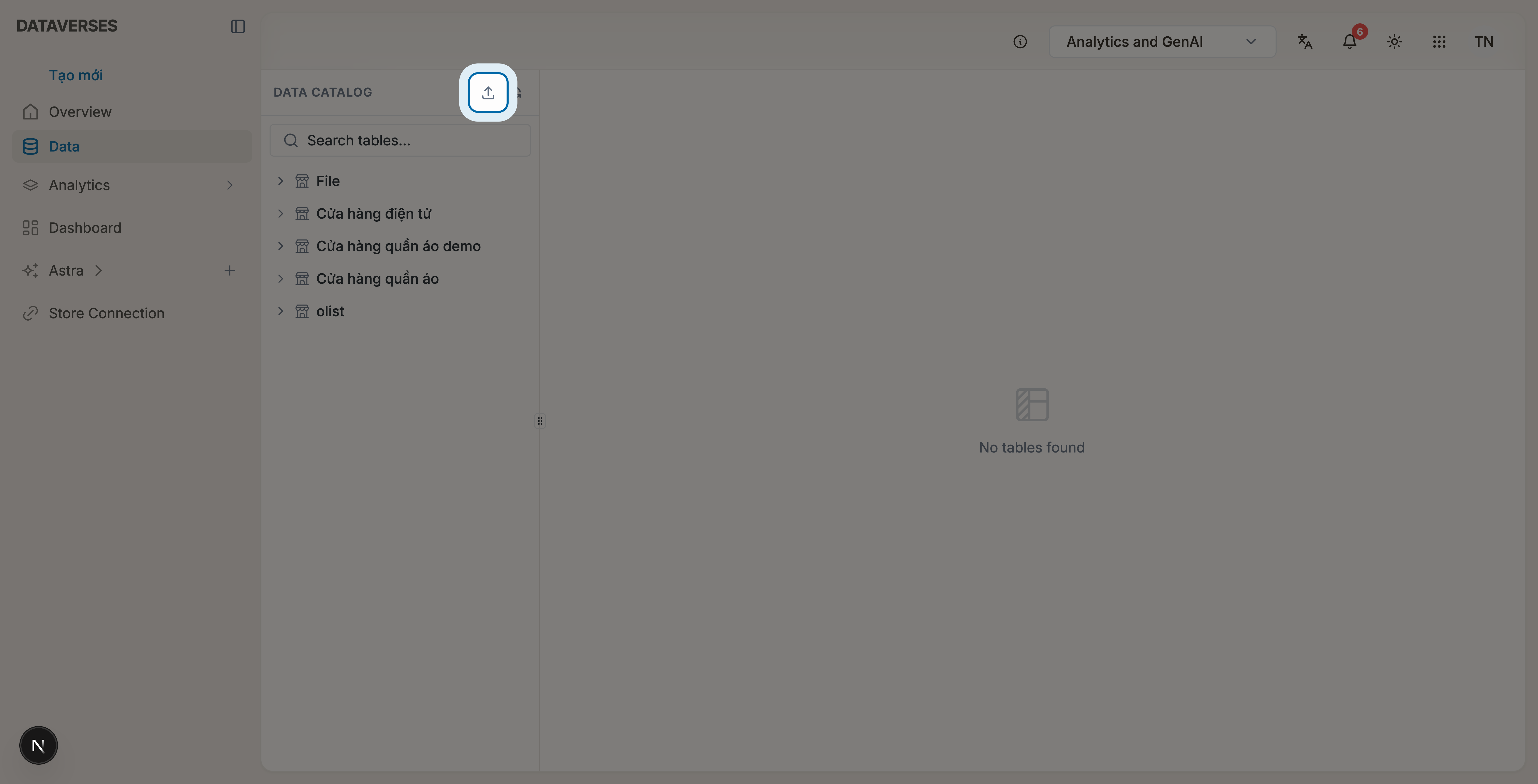
Upload Files
Learn how to upload CSV or Excel files and bring them into the Data Catalog.
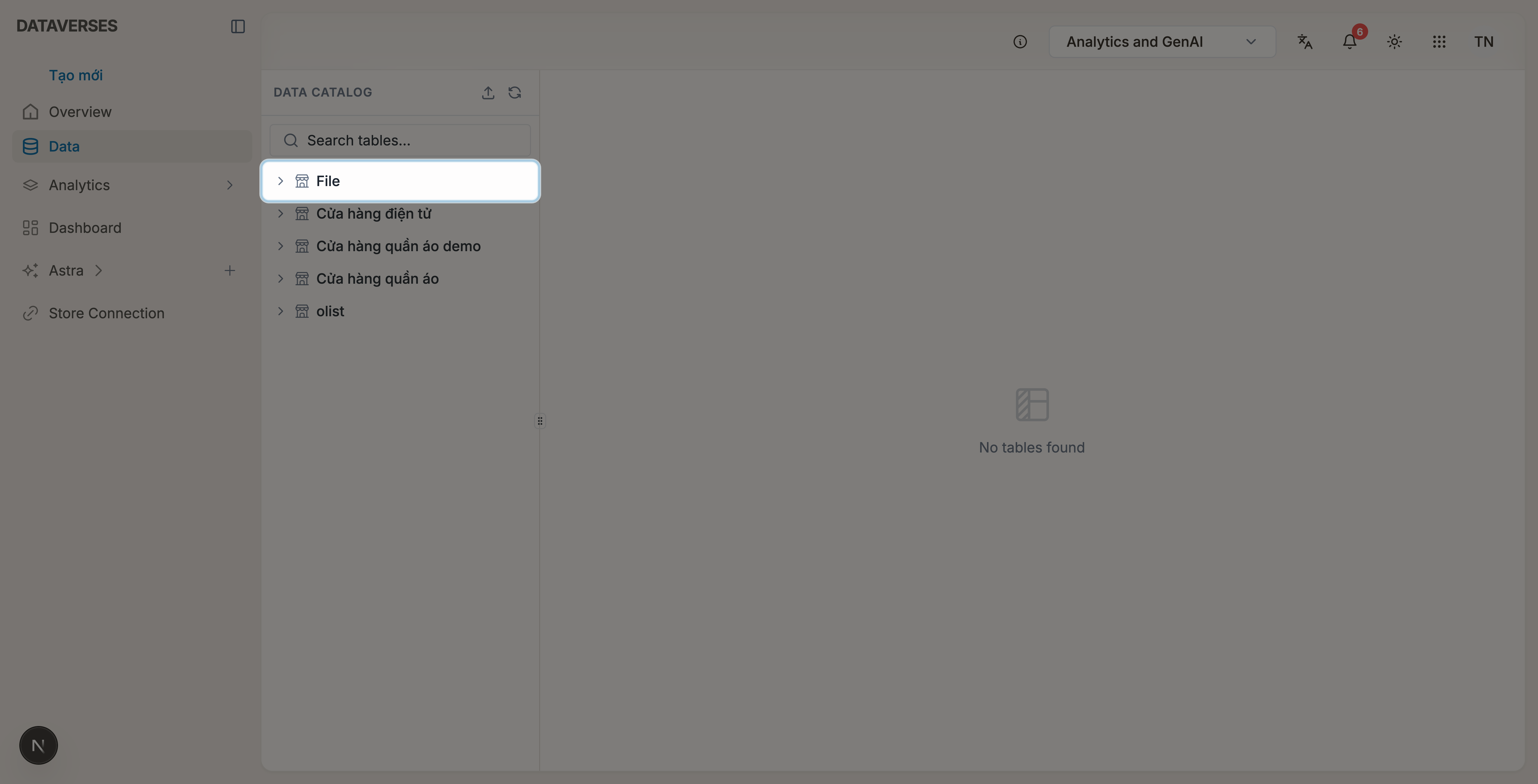
Explore Data
Browse catalogs and tables, preview data, and navigate the Data Catalog workspace.
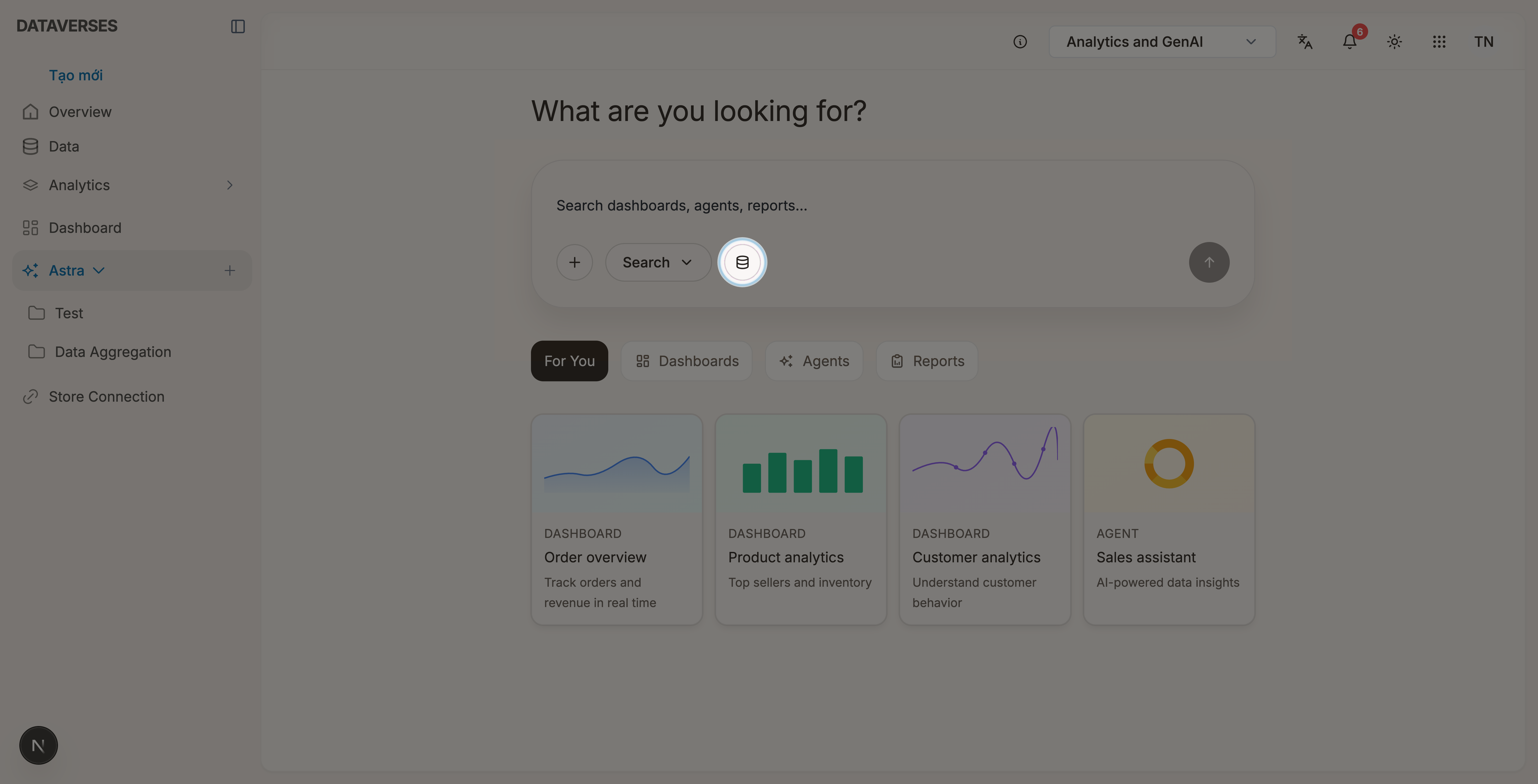
AI Agent
Select data sources and ask the agent questions with live lakehouse context.
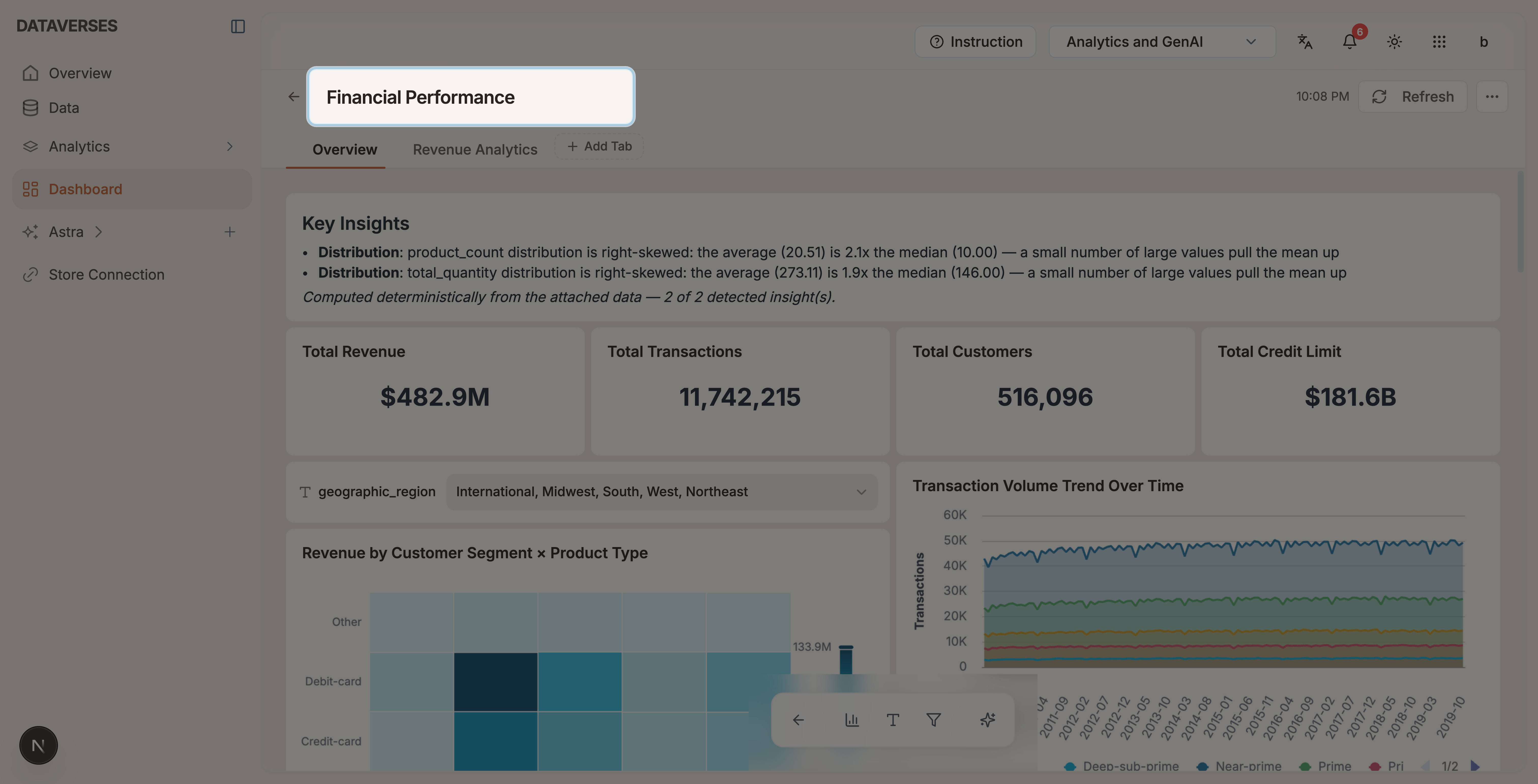
Dashboard Basics
Get familiar with the dashboard workspace — rename titles, manage tabs, and add, move, and resize widgets.
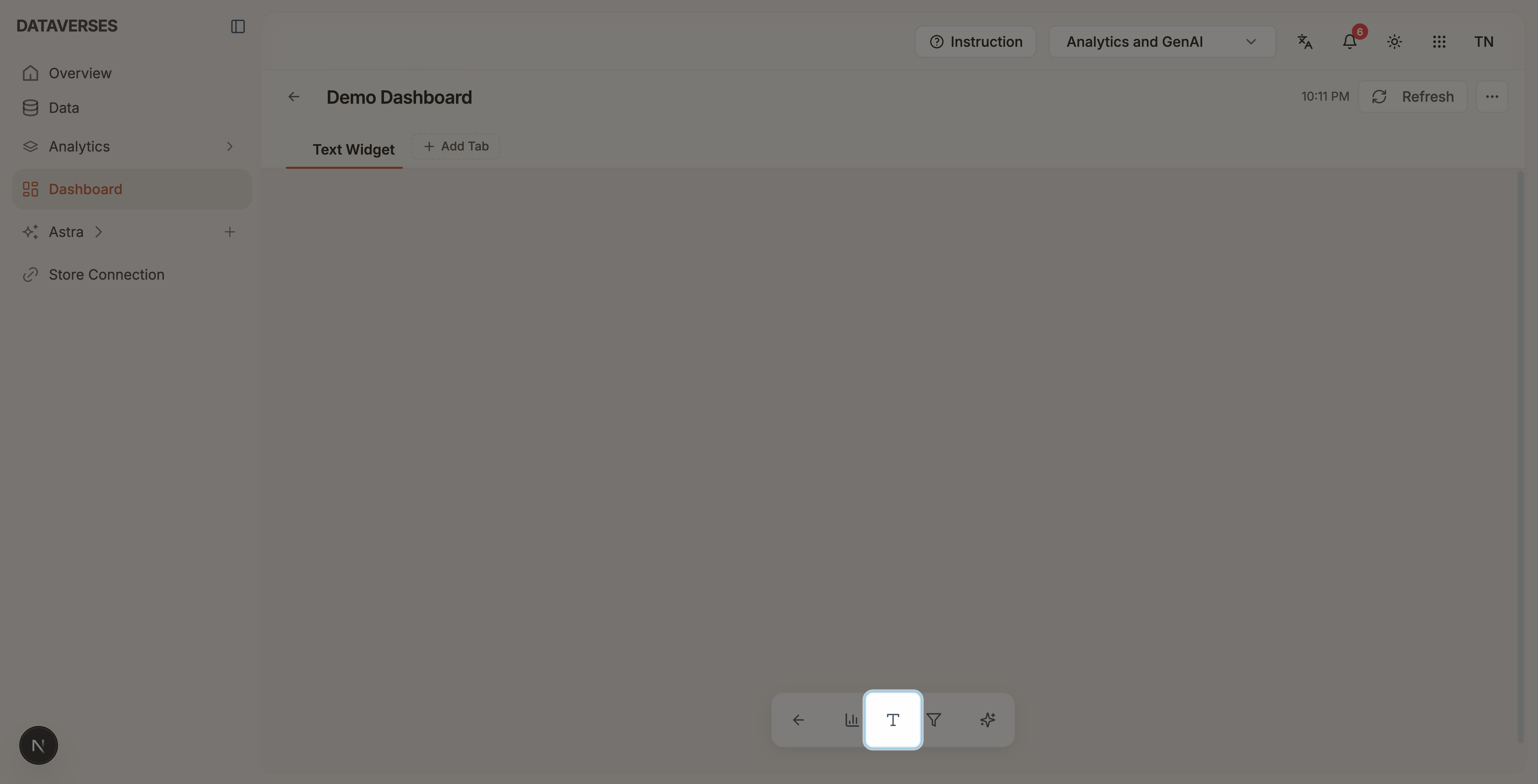
Dashboard Text Widget
Add a text widget and edit Markdown content from the canvas or the Text Configuration panel.
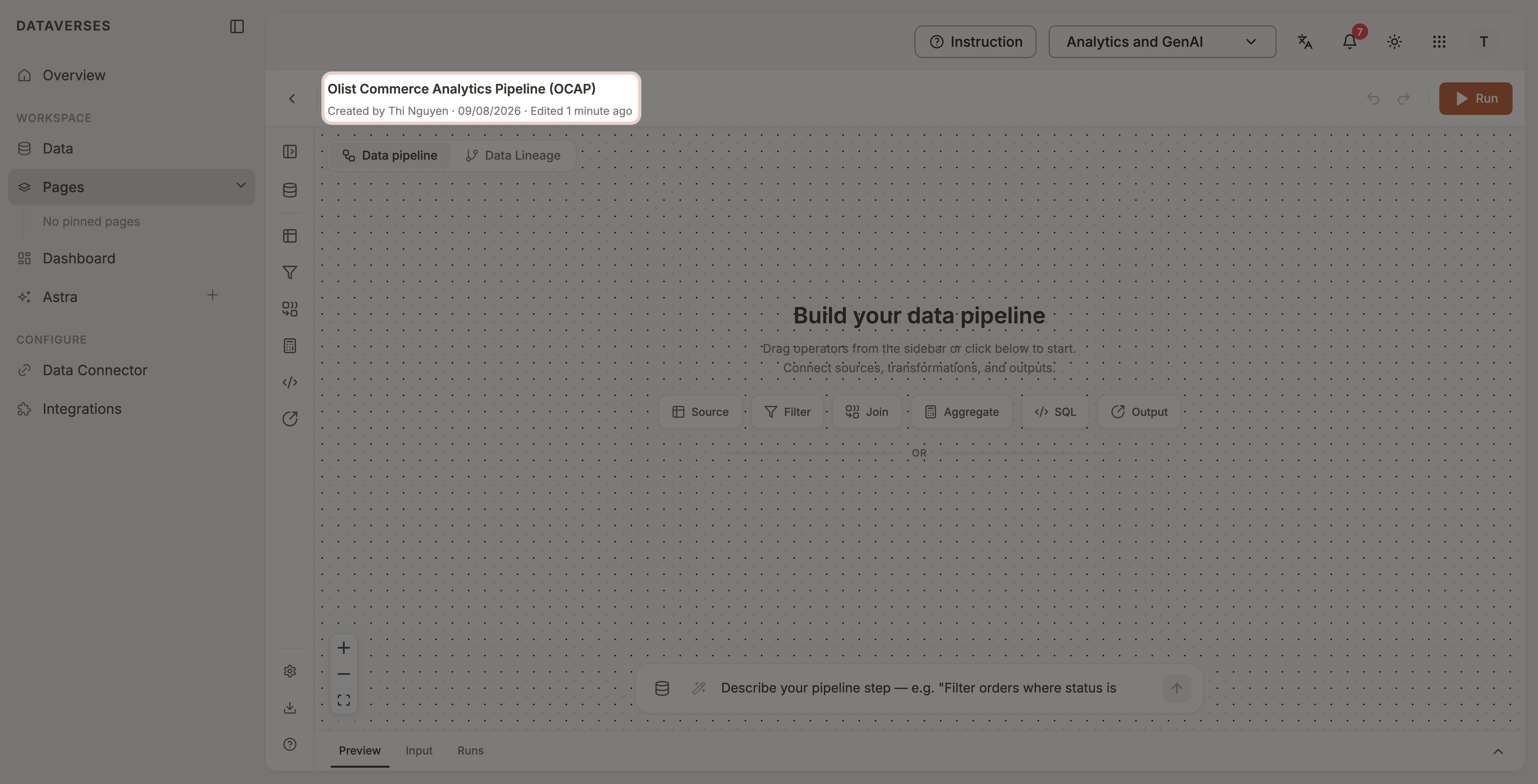
Build Pipeline
Build visual data pipelines with drag-and-drop operators or Agent support — configure nodes, preview results, and trace lineage.
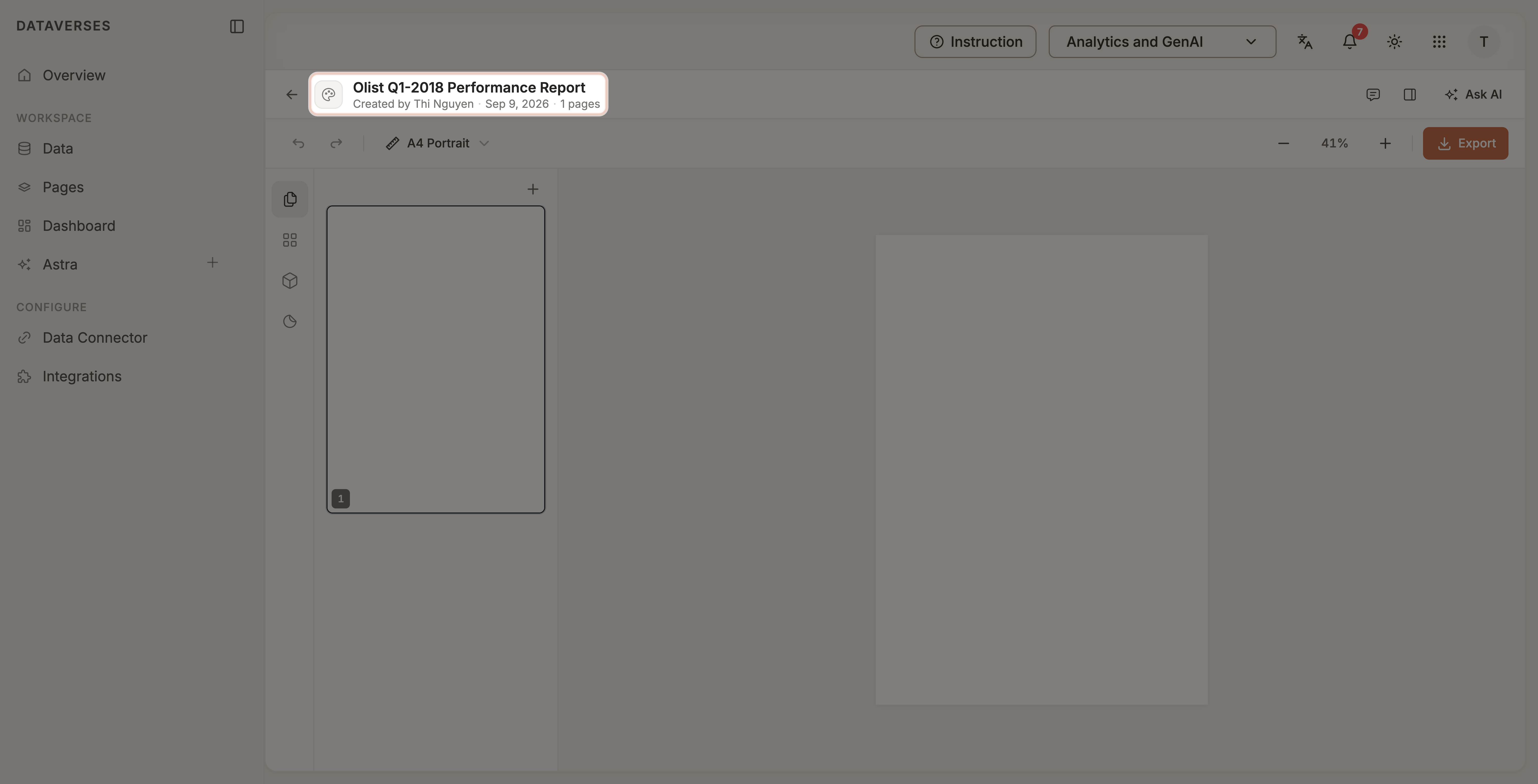
Design Canvas
Compose presentation-ready reports from Connect data — import from reports, design with blocks and AI, and export in high quality.