Dataverses - Streaming Data Platform logoDataverses - Streaming Data Platform logo
Pricing
Contact Us

DATAVERSES CONNECT

Report

Ready-to-use ecommerce reports for P&L, inventory, and sales performance. Share live numbers with operators and finance — no more exporting to Excel overnight.
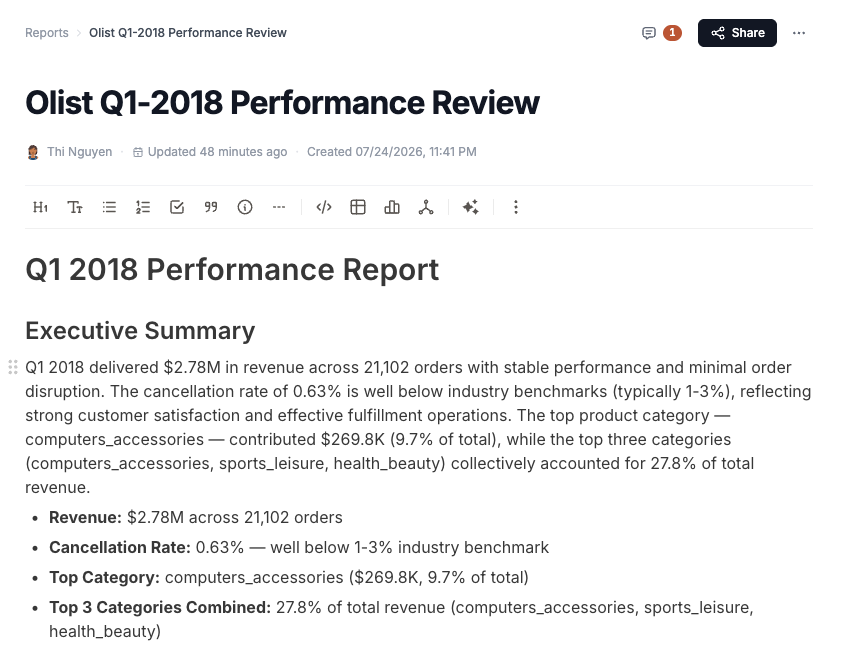
Connect report with live charts, narrative blocks, and Astra AI in the sidebar

Features

A living report with Astra inside — ask, write, chart, and share without leaving the document.

Block editor

Powerful report editor

Compose with blocks — slash in an agent, SQL, charts, tables, code, and Mermaid in one Notion-style document.

  • /agent
  • /sql
  • /chart
  • /table
  • /code
  • /mermaid
Report narrative with a highlighted priority recommendation and action checklist

Interactive data tables

Typed columns, filters, and a one-click switch to a chart.
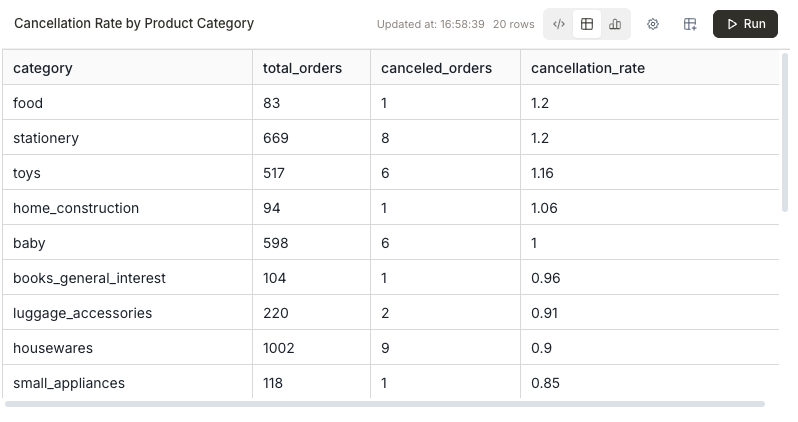
Data table showing cancellation rate by product category

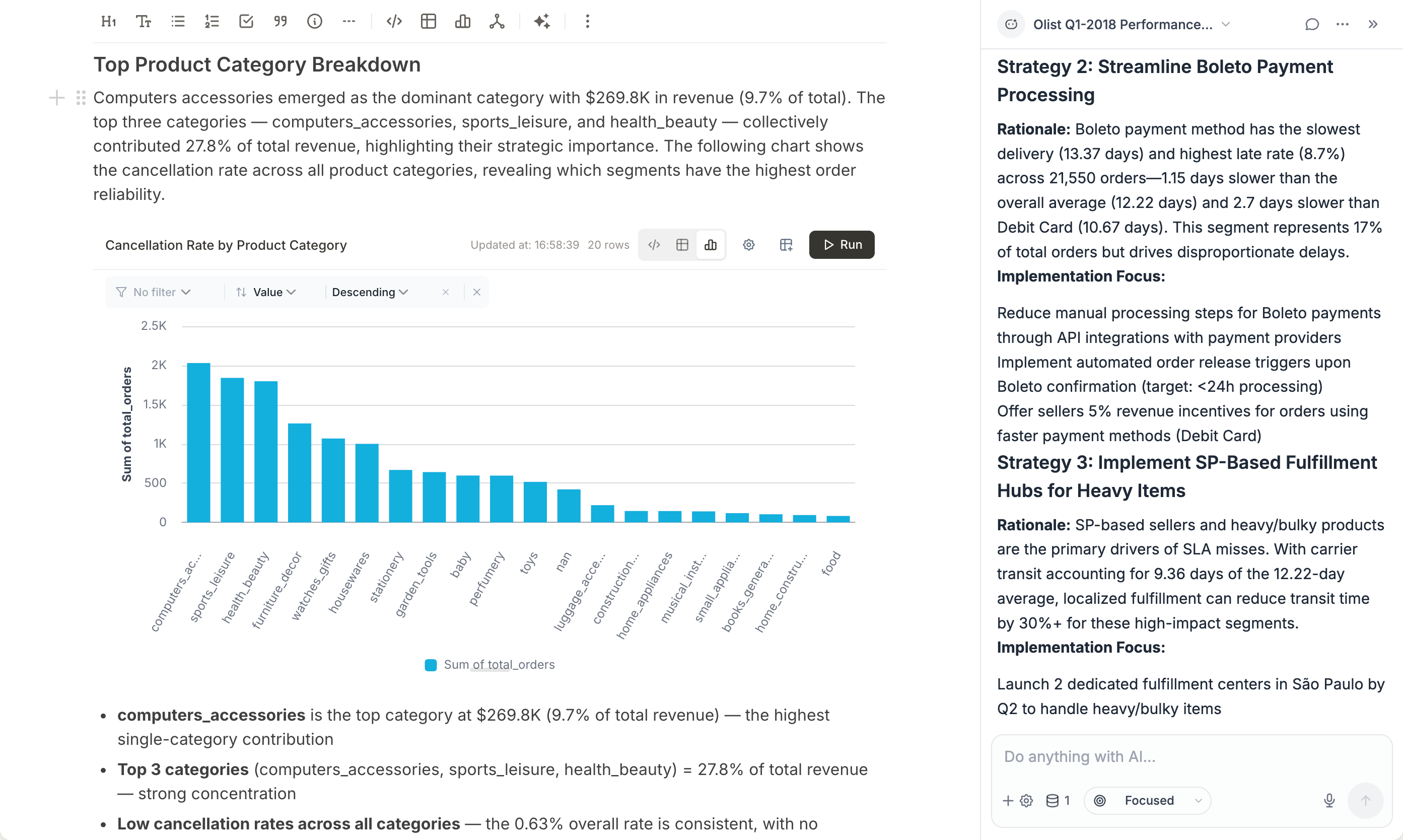
Chart visualizations

Bar, line, and more — tuned in settings, sitting next to the story.
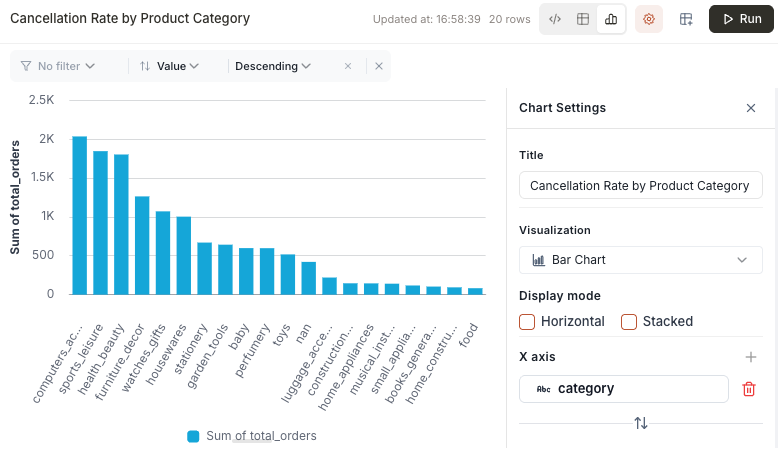
Bar chart of cancellation rate by product category

SQL blocks

Write and run queries in the report. Switch the same block to a table or a chart.
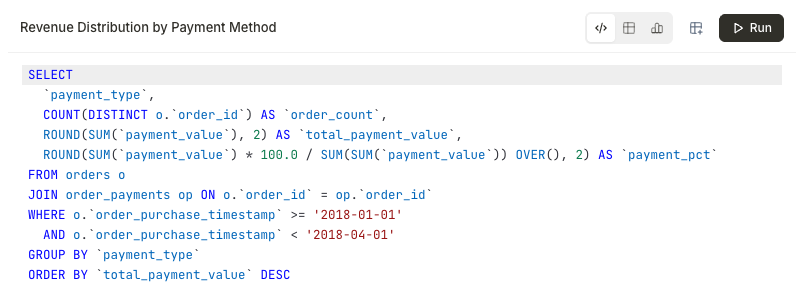
SQL block querying revenue distribution by payment method

Agent blocks

Attach a dataset and prompt Astra in plain language — analysis runs in place and writes back into the report.

AI agent block with a selected dataset and a natural-language prompt

Code blocks

Markdown, syntax-highlighted SQL, and narrative blocks that stay with the data underneath.
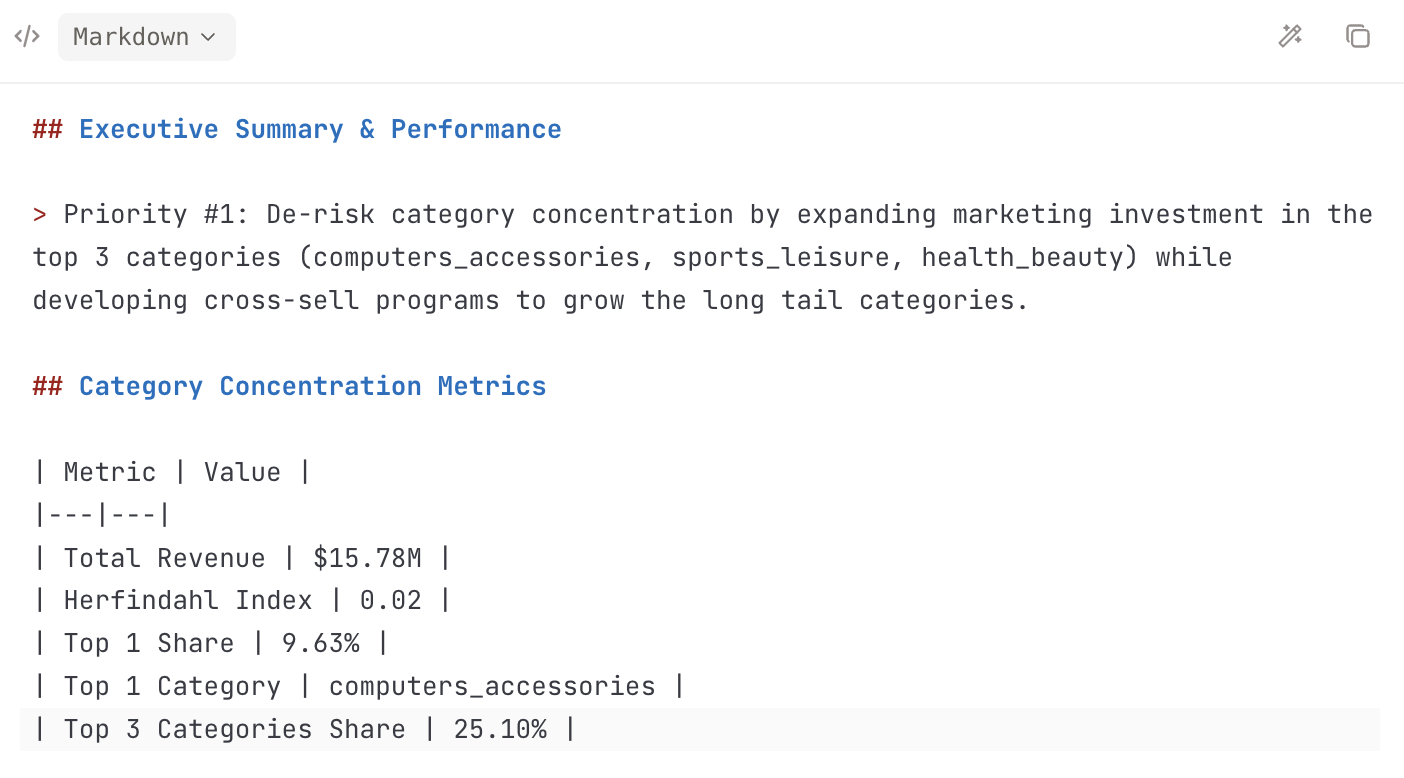
Markdown editor view of an executive summary and metrics table

Mermaid diagrams

Author a flowchart in Mermaid and see it render live under the code.
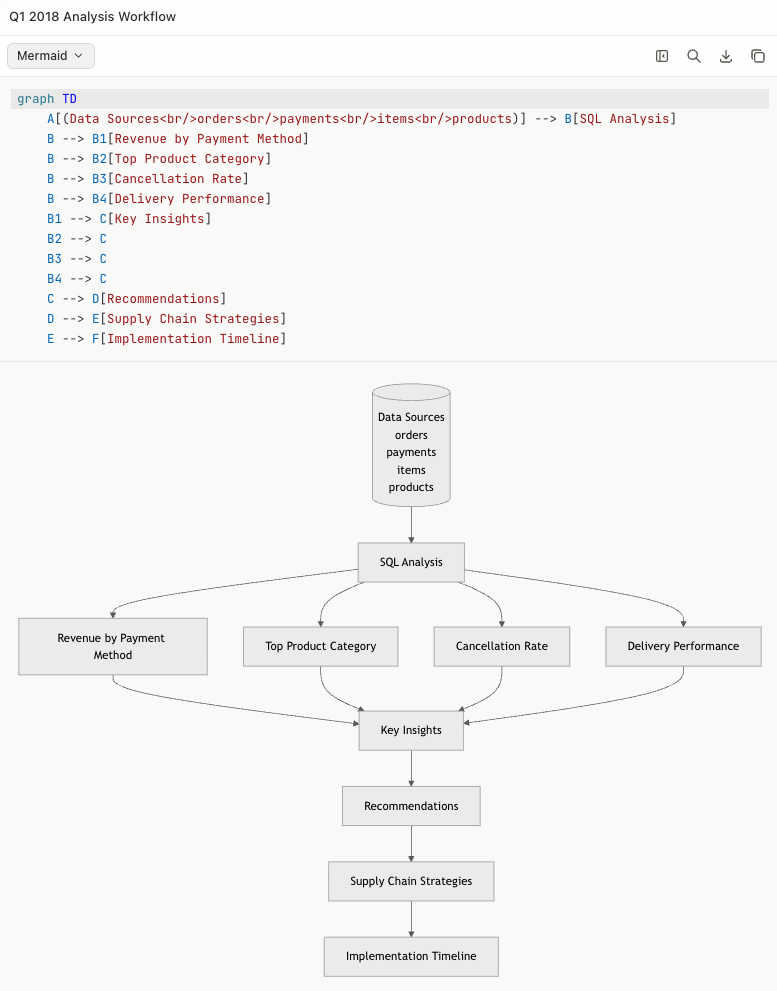
Mermaid block with source and rendered Q1 analysis workflow
Meet Astra AI Agent

Ask once. The report writes back.

Astra lives in the document. Chat, follow up, and inject findings into the same report — no side tool, no copy-paste.
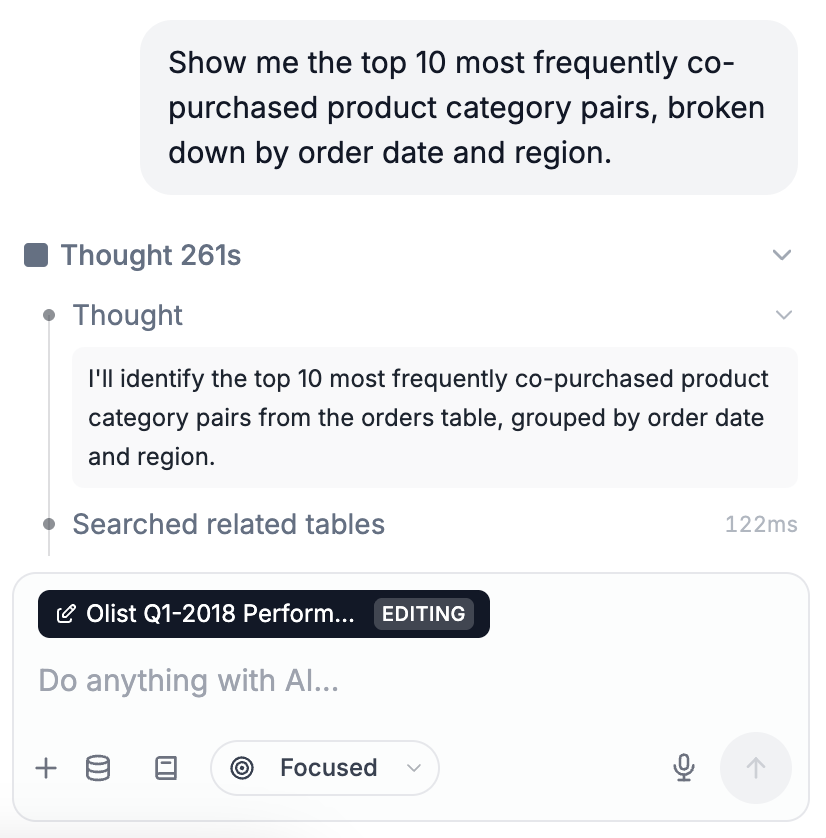
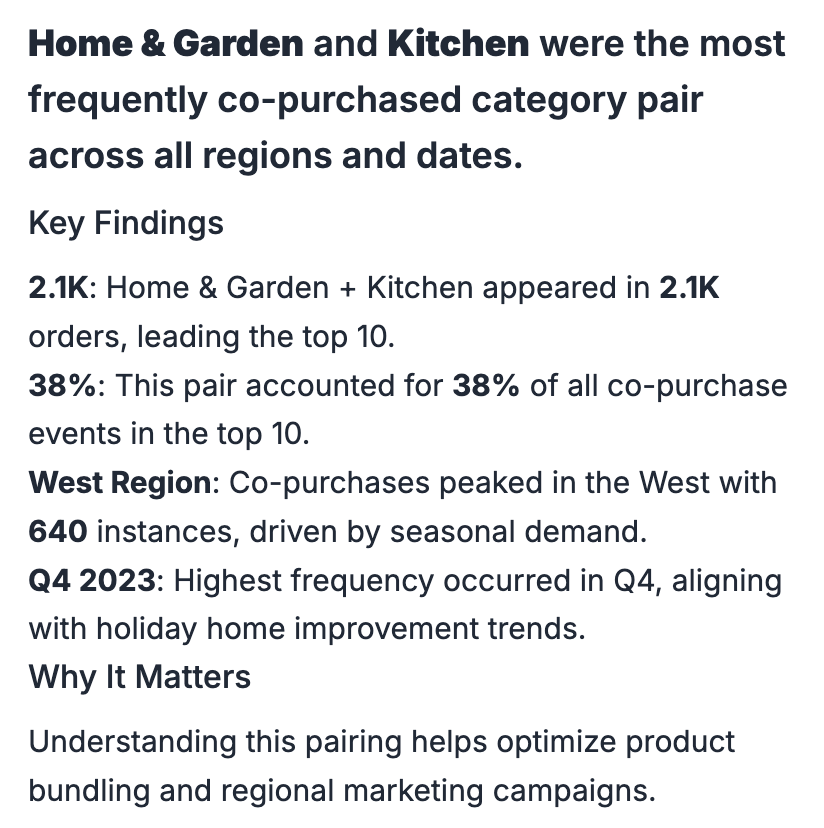
  1. 1AskAsk in the reportPrompt Astra against the tables already attached to this document.
    Asking Astra a question inside a Connect report
  2. 2WriteResults land in the docFindings, numbers, and why it matters — written into the report.
    Astra insight written into the report with key findings
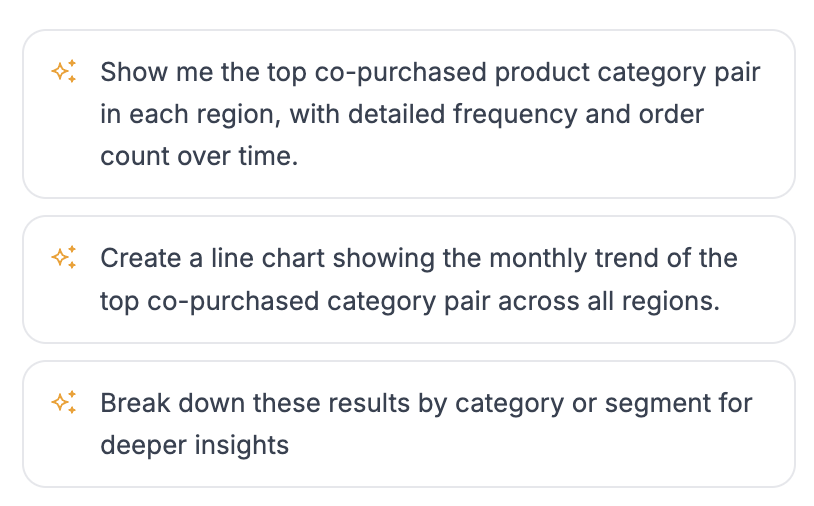
  3. 3Follow-upSuggested next movesAfter every answer, Astra proposes the chart, split, or deeper cut.
    Suggested follow-up questions from Astra
Comments

Comment on the numbers

Tag colleagues on any block. Open and resolved threads stay with the report — the discussion does not drift into a side chat.
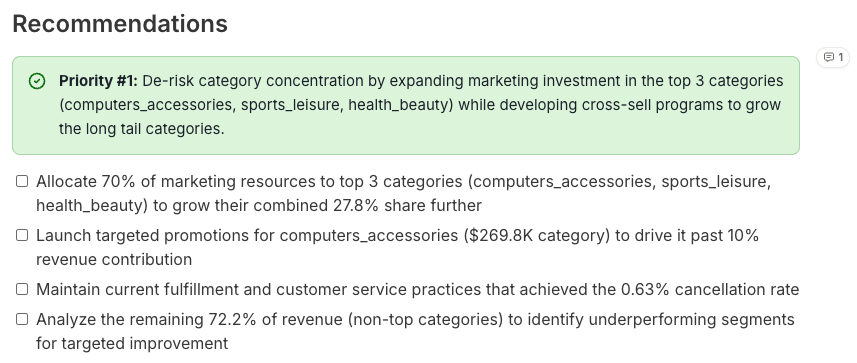
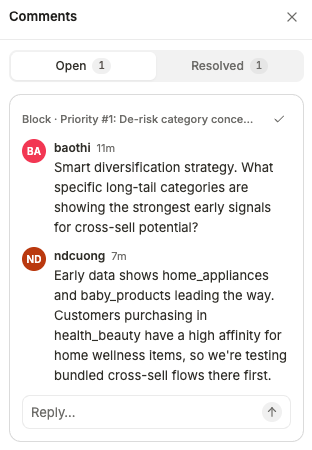
Comment bubble anchored to a recommendation block inside the report
Collapsed comments panel showing the thread for a report block
Sharing

Share the live report

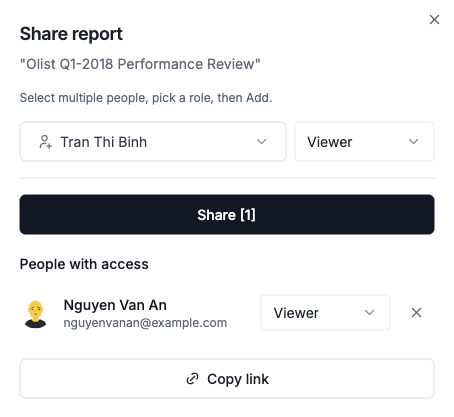
Invite viewers, set roles, and copy a link. Stakeholders open the live document — not a stale file from last night's export.
  • Viewer
  • Editor
  • Copy link
Share report dialog with people, roles, and copy link

Frequently Asked Questions

Reporting in Dataverses Connect.

  • Connect ships with ecommerce report templates for P&L, inventory, and sales. You filter by store and date; Design Canvas is there when you need a custom layout.

  • Yes. Both teams read from the same pipeline tables, so channel P&L and warehouse stock do not drift apart.

  • Reports refresh with the pipeline. When new orders and stock movements land, the numbers move with them.

  • Yes. Use live views in Connect for daily work, and export when you need a snapshot for partners or close.

Ready to Build Data and AI Applications?

Dataverses Logo

104 Mai Thi Luu Street, Tan Dinh Ward, Ho Chi Minh City, Vietnam

+84 366 128 713
hello@dataverses.io
Registered with Vietnam Ministry of Industry and Trade

Why Dataverses

  • For Customers
  • For Startups
  • For Enterprise

Solutions

  • Use Cases
  • For Data Engineers
  • For Data Analysts
  • For Ecommerce Teams

Dataverses Platform

  • Overview
  • Key Features
  • Data Workflows
  • Data Catalog
  • Full-Managed Kafka
  • Dataverses Notebook
  • AgentFlow Enterprise

Dataverses Connect

  • Overview
  • Key Features
  • Connectors
  • Data Pipeline
  • Report
  • Design Canvas

Resources

  • Blog
  • Demo Center
  • Product Tour Center

Company

  • Contact

© 2026 Dataverses. All rights reserved.

Privacy NoticeTerms of Use